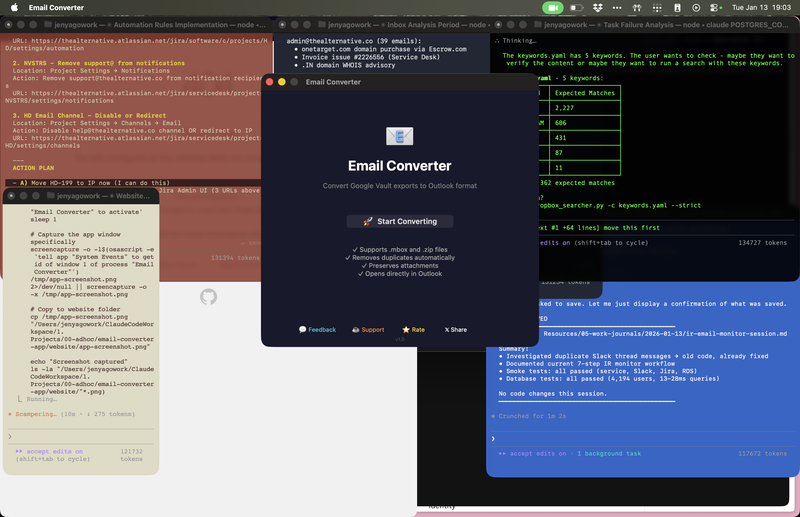
Convert Mbox and ZIP exports to individual EML files that open directly in Microsoft Outlook. No subscriptions. No cloud uploads. Just drag, drop, done.
Download Free for Mac✓ 100% Free · ✓ No account needed · ✓ Works offline
You exported emails for legal review, but Outlook won't open .mbox files
Copy-pasting hundreds of emails one by one takes hours
Uploading confidential emails to random websites? No thanks.
Drag .mbox or .zip files onto the app
Extracts emails, removes duplicates, preserves attachments
Each email becomes a .eml file you can double-click
All attachments, formatting, and metadata stay intact. What you exported is what you get.
Multiple exports with overlapping emails? The app automatically removes duplicates based on Message-ID.
All processing happens locally on your Mac. No files ever leave your computer. No internet required.
Legal teams processing email discovery
IT admins migrating mailboxes
Compliance officers reviewing archives
Anyone with Google Vault exports
100% free. No registration. No strings attached.
Requires macOS 12 (Monterey) or later
Yes. The app handles thousands of emails efficiently and shows progress as it works.
macOS 12 (Monterey) or later.
Absolutely. All processing is local. Nothing is uploaded anywhere.
.mbox files and .zip archives containing .mbox files (standard Google Vault export format).
Yes. The app preserves original email headers and metadata, making it suitable for legal review.
Not yet, but it's on the roadmap. Sign up to be notified!